
YouTube Video Summarizer
Open a video.
Find the blue button.
Your transcript and summary are one click away. Open YouTube, choose a video, then look in the player controls.
Add to ChromeAlready have a video open? Refresh its tab first.
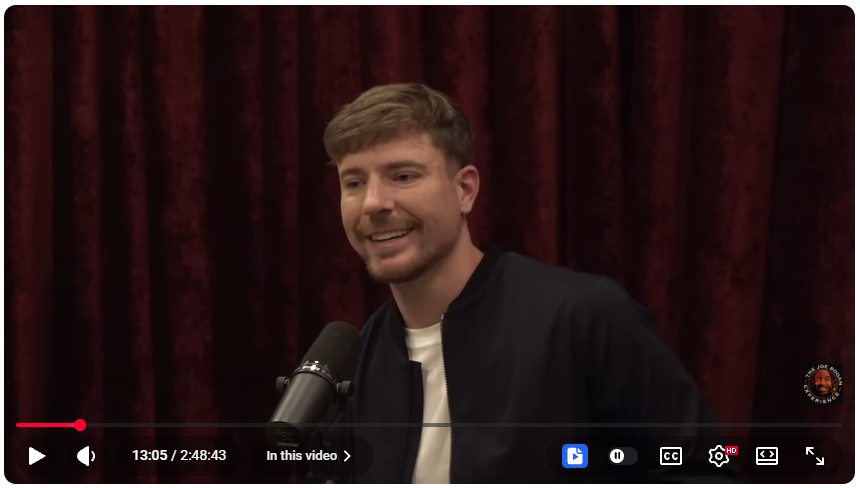
Open a video
Choose a regular YouTube video with captions.
Find our widget
Move your mouse over the video. Click the blue icon in the bottom controls, beside captions and settings.
Read or summarize
Accept the data notice. Open Transcript to read the available captions, or choose your summary language and select Summarize video.